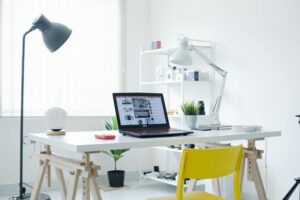
Simple Tips for Creating a More Organized and Productive Workspace at Home
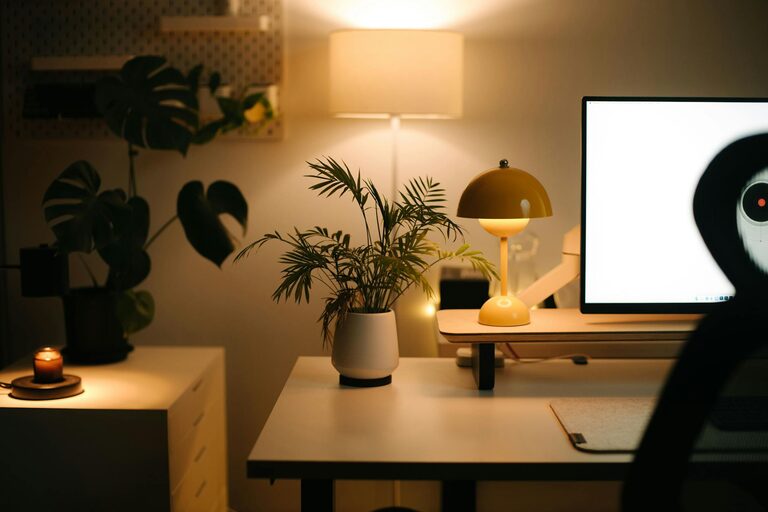
Creating a comfortable and efficient workspace at home is essential for staying productive and focused throughout the day. Whether you work remotely full-time or need a dedicated spot for occasional tasks, making your home workspace organized can significantly enhance your experience. Below are simple tips to help you create a more organized and productive workspace that promotes concentration and reduces stress.
1. Choose the Right Spot
Start by selecting a quiet, well-lit area in your home where you can dedicate your work activities. This could be a spare room, a corner of the living room, or even a section of the bedroom. Ideally, pick a spot with natural light and enough space for your desk and equipment. Good lighting helps reduce eye strain and keeps you alert.
2. Use a Functional Desk and Comfortable Chair
Your desk and chair are the foundation of your workspace. Choose a desk that fits your available space and allows enough surface area for your computer, documents, and any other tools you use. A comfortable, ergonomic chair will support good posture and prevent discomfort during long work sessions.
Tips for choosing furniture:
– Adjustable chairs help customize seating height and back support.
– Desks with drawers or shelves provide additional storage.
– Standing desks or desk converters can offer options to change your working position.
3. Declutter Regularly
Clutter can distract you and reduce productivity. Set aside a few minutes each day to tidy your workspace. Keep only essential items like your computer, notebook, and necessary supplies on your desk. Store or discard anything else to maintain a clean and organized area.
Quick decluttering tips:
– Use desk organizers or trays for pens, paper, and accessories.
– File important documents immediately; avoid piles of paper.
– Limit decorative items to one or two for a personal touch without crowding.
4. Organize with Storage Solutions
Invest in storage solutions that help keep your workspace tidy. Shelves, filing cabinets, or storage boxes can house supplies and documents out of sight but within reach. Label containers and files to quickly find what you need without wasting time.
Storage ideas:
– Vertical shelves save floor space.
– Drawer organizers separate smaller items.
– Cable management clips reduce tangled cords.
5. Optimize Your Technology Setup
A smooth technology setup reduces interruptions and frustration. Position your computer or laptop at eye level to avoid neck strain. Use an external keyboard or mouse if needed. Keep chargers, headphones, and other essentials neatly arranged and easily accessible.
Useful tech tips:
– Silence unnecessary notifications during work hours.
– Back up important files regularly.
– Use a surge protector to protect your devices.
6. Personalize Without Overdoing It
A workspace that feels welcoming can motivate you. Add a plant, a photo, or artwork that makes the space pleasant. However, avoid overcrowding your area with too many items, as this might become distracting.
7. Establish a Routine and Boundaries
Creating boundaries between work and personal life is important in a home setting. Use your organized workspace to signal “work mode.” When the workday ends, close your laptop and tidy your desk to mentally disconnect.
Tips for maintaining focus:
– Set regular work hours and stick to them.
– Keep your workspace reserved for work-related tasks only.
– Take breaks away from your desk to refresh.
8. Keep Essentials Within Reach
Having everything you need close by saves time. Stock your workspace with frequently used items like stationery, water, and snacks so you don’t have to get up repeatedly. Use drawer organizers or desktop holders to keep these essentials orderly.
Conclusion
An organized and productive workspace at home is achievable with a few thoughtful adjustments. By choosing the right location, minimizing clutter, optimizing storage, and personalizing your area, you can create a comfortable work environment that helps you focus and accomplish more. Remember to maintain good habits, and your workspace will continue to support your productivity and well-being over time.